If you’ve worked with FTP (File Transfer Protocol), you might have seen a message like:
Entering Extended Passive Mode (|||34647|)
At first glance, this cryptic output might seem confusing. But don’t worry, it is a perfectly normal part of modern FTP connections. In this post, we’ll break it down in plain English.
What is FTP Passive Mode?
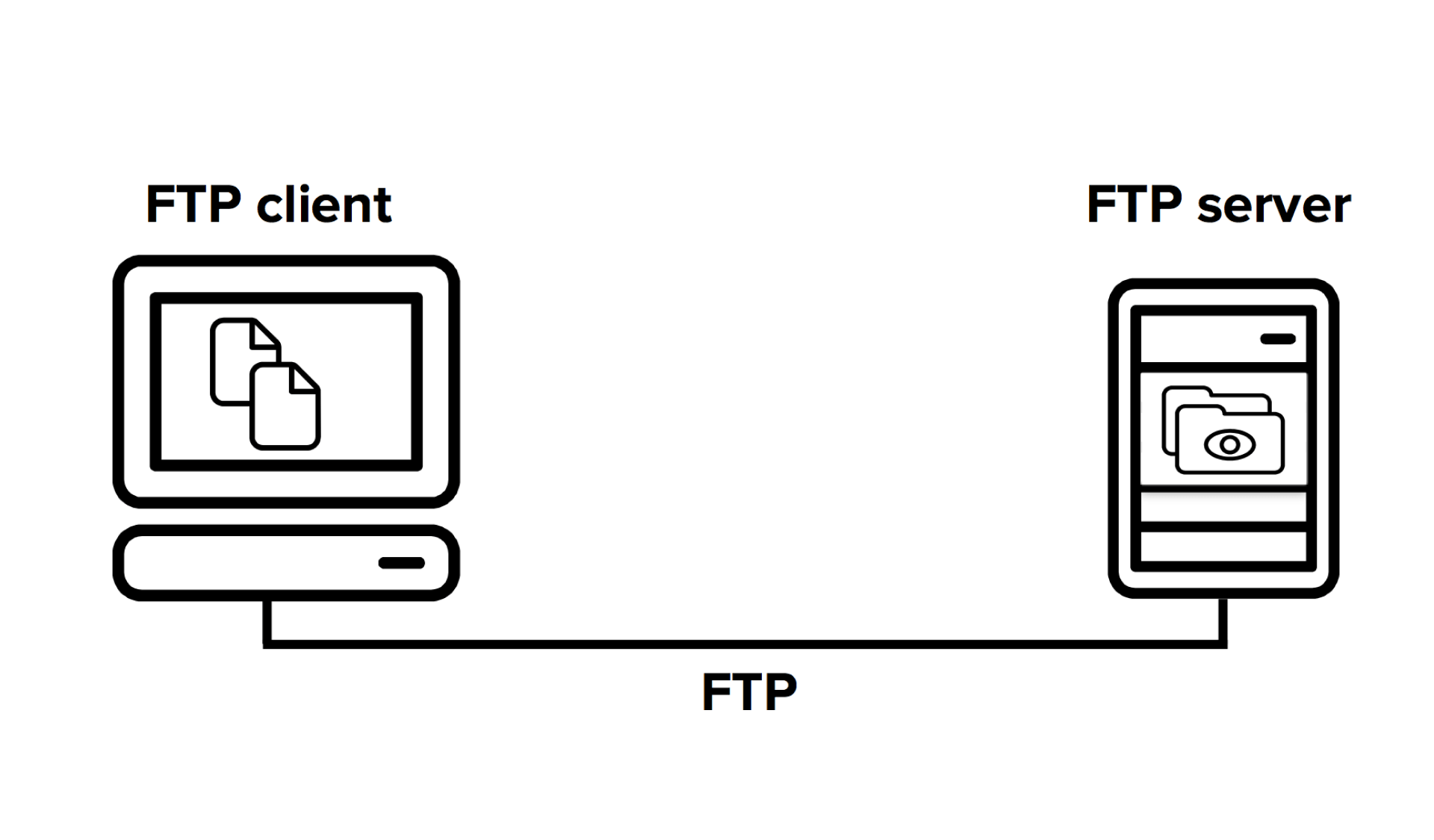
FTP works with two types of connections:
- Control connection – where commands are sent.
- Data connection – where actual files or directory listings are transferred.
In Passive Mode (PASV), the client tells the server:
“I’ll connect to you for the data transfer. Just tell me the IP address and port number.”
This works well behind firewalls or NAT (Network Address Translation) setups, where incoming connections are often blocked.
What is Extended Passive Mode (EPSV)?
Extended Passive Mode (EPSV) is a modernized version of Passive Mode, introduced to simplify FTP over both IPv4 and IPv6.
Instead of telling the client both an IP address and a port, the server only tells it the port, assuming the client is already connected to the correct IP.
For example:
Entering Extended Passive Mode (|||34647|)
This means:
- The server is ready for a data transfer on port
34647. - The client should connect back to the server’s same IP address (used in the control connection), on port 34647.
Why is EPSV Used?
EPSV is:
- More compatible with NAT and firewalls
- Simpler (less to parse)
- Required for IPv6 connections
- More secure (prevents some spoofing scenarios)
It’s commonly the default mode in modern FTP clients like FileZilla, WinSCP, or lftp.
When to Use or Disable EPSV
Most of the time, EPSV works flawlessly. But in some edge cases (usually involving misconfigured firewalls or proxies), you might run into issues like:
- Directory listings hanging
- File uploads or downloads timing out
In those cases, switching back to classic PASV mode (or even Active mode, as a last resort) might help.
How to switch from EPSV to PASV:
- FileZilla:
Settings → FTP → Passive mode → Use fallback mode - lftp:
Useset ftp:use-epsv off - Command line FTP:
It depends. Some clients don’t even support EPSV.
Conclusion
If you see:
Extended Passive Mode Entered (|||34647|)
…that’s a good thing! Your client and server are communicating over a modern, compatible method.
Only dig into the settings if you’re running into connection problems.
Have questions or want help debugging FTP issues? Just reach out to us :). We’ll be happy to help